How many Channels do you need on a Personal Monitor Mixing System?

How many Channels do you need on a Personal Monitor Mixing System?

myMix BLOG

How many Channels do you need on a Personal Monitor Mixing System?

by Christian Glück
Tuesday, February 10, 2015

Focus on the musicians

Looking into the specs of a PMM system many engineers and tech directors overlook the fact that most musicians are not audio engineers and therefore look at things completely differently. While it is easy for a tech to understand a 3-set gain stage, switching through fader banks, using groups, dialing in parametric EQs and dynamics – these “ simple things” are absolutely strange sometimes even frightening to most musicians and for those few who do understand, they still represent a distraction to their performance.

Musicians know their own instrument/voice and some of their band mates’ – and they can express when the sound is bad – which means it is so bad that their performance is at stake, but they can never say “why”. The engineer’s main focus is to mix “a good sound”; the main focus for each musician is to perform, not mix. So less channels that needs attention means less distraction, which always leads to a better performance.

Everybody wants to hear (almost) everything?

For the most part, that is the case. Certain musicians might not care for the one or the other signal as a necessity, but it’s a known secret that a “full-mix” in studio quality excites every musician and makes him/her perform better – no matter how god the individual is.

What does that mean for the Personal Monitor Mixer system? Creating a 1:1 copy of the channels from the FOH console? That’s the case when you have a monitor engineer operating a dedicated monitor console, but with a PMM system that task is now performed by a non-engineer, a performing musician that has other priorities then mixing. Throwing 30, 40 or more channels at each musician will result in a very poor mix and a frustrated musician! We have seen this over and over again.

So here is what we have observed to be best practice:

  • offer all signals that are important for individual musicians as individual channels and
  • additionally offer a selection of useful (= simplifying) submixes or stems.

What signals should be individual, what should come as submix?

The answer depends of course on the set-up of the band and the technical possibilities but here some guidelines:

The most commonly used submixes are: vocals – for everybody not singing, and drums, for almost everybody but the drummer. The key behind this selection is from a musicians or singers point of view. If you don’t sing, you want to hear some vocals, but one channel to control is enough.

If you have a backing vocal group with multiple singers, they understandably want to have each vocal mic, (including their own mic!) as single channel – however knowing which of the three guitars or four keyboards plays when and what is overwhelming- so you might consider one or two submixes for them, like “band” which contains all instruments or at least “ band rhythm” ( drums, bass, guitars) and “keyboards” (because of the importance of harmonics). Large submixes that contain many different instruments should always be made like a stem- in stereo and with certain effects to allow clear and distinct hearing within that mix.

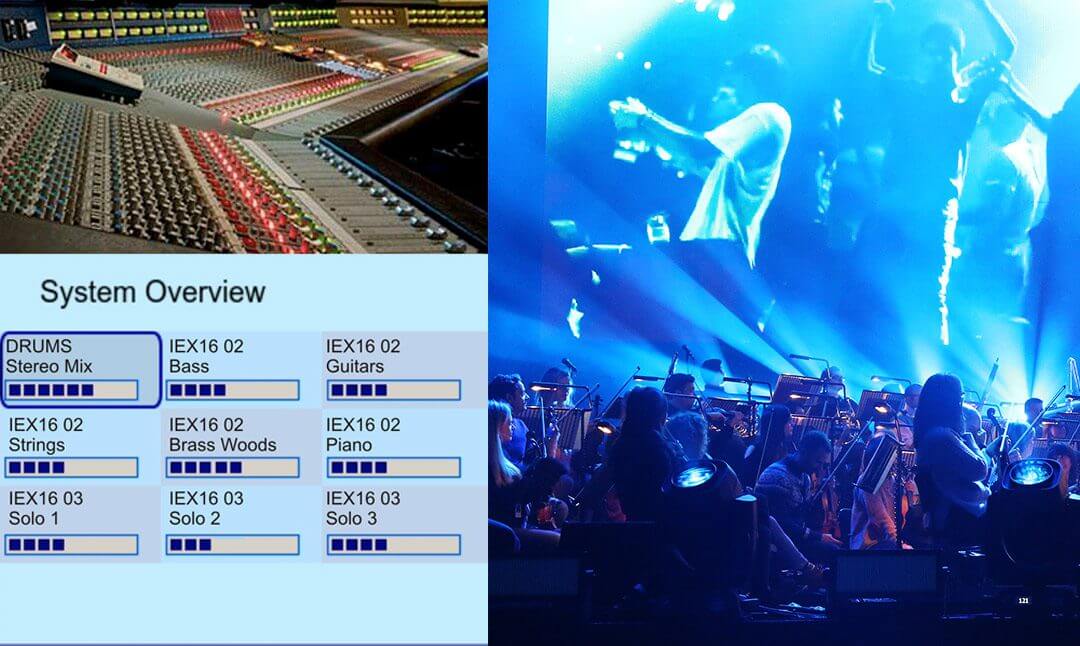
In some cases, with large bands that include strings, brass and woodwinds, that could lead to a channel count that is about or even more than on the FOH console – the big difference is that no musicians should deal with that amount. Everybody selects just what is important as single channel and a few submixes/stems. A good recommendation is to aim for 10 to 12 channels to control.

Submixes and Stems – who should do them?

There are two different approaches on this subject: the submix is created by an engineer on the (main) mixing console- this scenario allows creating full stems (incl.dynamics, effects etc.). The second option is that the Personal Monitor Mixer system receives a 1:1 of the FOH console channel and on each unit a submix is created.

While the second approach, having an individual submix available at each mixer might sound better to an engineer in the first run, think about it twice: who will do submixes from 40 channels? Usually not the musicians, so now it is back to the engineer. A big disadvantage versus creating one submix on the console is the fact that it has to be done remotely (hopefully with a configuration tool) and for each and every mix station! That adds time.

Creating submixes on the console is not only time saving but also allows much better quality . Most consoles these days allow creating full blown stems utilizing dynamics, EQs and effects, while providing much more consistency through a performance (sudden changes get adjusted in the global submix and the “problem” is solved fast and quick for everybody… ).

The major argument we hear against a global submix is something like: “but the drummer wants a different drum submix then the vocalists”. Of course! And it’s not a problem: give the drummer “kick, snare, hi-hat individually and create a submix (mono, if you have the channel count stereo) for the tom and overhead mics… For “non drummers” make a submix/stem with all drum channels . So creating submixes/stems needs a close look as to who needs what. You might find that 16, 24, even 32 channels can easily be gone…. So it’s clearly an advantage if your PMM system has a high channel count and allows for easy expansions.

Summary

Again, less is more – but only as far as what each musician has to deal with. A PMM system takes away the duty for the engineer to serve each musician a perfectly individual mix. However for a successful implementation of IEMs the engineer now has to plan and serve the “right diet” = important individual channels and dedicated submixes/stems to ensure the musicians are happy using IEMs.

Our latest testimonials

Jeff Lorber & Band

Jeff Lorber & Band

The Grammy Award Winning keyboardist, composer and record producer is using myMix in his awesome studio and live on tour. Check out his testimonial.

read more

Make sure your IEM mix is in 3-D sound!

Make sure your IEM mix is in 3-D sound!

myMix BLOG

Make sure your IEM mix is in 3-D sound!

by Christian Glück

Wednesday, February 11, 2015

Understanding how we hear- some important basics

We live in a three-dimensional world and our hearing is designed to listen in 3D. We don’t need to look at a sound source; our brain will localize it and provide its relative position to us. To manage that task, our brain is mainly using the intra-aural differences of signal loudness, arrival time and reflections in the room. What sounds very simply is in fact, something very sophisticated; it’s just that we don’t consider it special because we grew up with it and take it for granted. Before the brain can start the high-speed calculation of the position based on the differences between both ears, it has to analyze and identify for the “same signal”- which is still beyond any computer program, even these days.

Listening in 3D and the meaning for IEM

Having a 3D sound image when using IEMS is a necessity because:

  • Our brain is used to a 3D sound image, exposing it to a one-, or two-dimensional sound image will cause fatiguing and even dizziness.
  • The 3D sound image allows distinguishing between different sound sources and even to auto-mix them, which reduces the need for constant re-adjustments in an IEM mix.

Fact: our brain doesn’t have a “mono switch”. The entire three-dimensional hearing is based on differences between both ears in level, arrival time and reflections. If the brain can’t find any differences, it starts searching even harder for them- our “CPU” is running in full-power, without any chance of success and after a while fatigue kicks in. It also creates a listening experience that many musicians describe as strange, isolated, away from the room…. It is much more the absences of a 3D sound image than the missing ambiance.

Imagine a table in a restaurant with 10 people around and everybody is talking to each other. All of a sudden you hear your name from the other end of table- you can focus on this person that mentioned your name by literally “bringing the level up” while reducing level on everybody else to understand a conversation that you didn’t hear before. That only works because the brain has analyzed a distinct position (based on the intra-aural differences) for each person at the table. If you listen to a group of people through a loudspeaker, there’s nothing you can do, because the loudspeaker is only one source.

So when using IEMs while performing music, creating a 3D sound image is needed for an easy listening experience and to be able to distinguish the individual instruments and voices.

Creating a 3D mix

To hear certain instruments and voices in a distinct position, their signal reaching both ears needs to be different in level, arrival time and reflections. That sounds like a job for an engineer who can handle lots of output gear or plug-ins. If the engineer is creating a stereo-submix or stem for use in a PMM system (see also article #1) it’s possible to utilize stereo effects to put the drum kit, or the vocals in their own spatial environment.

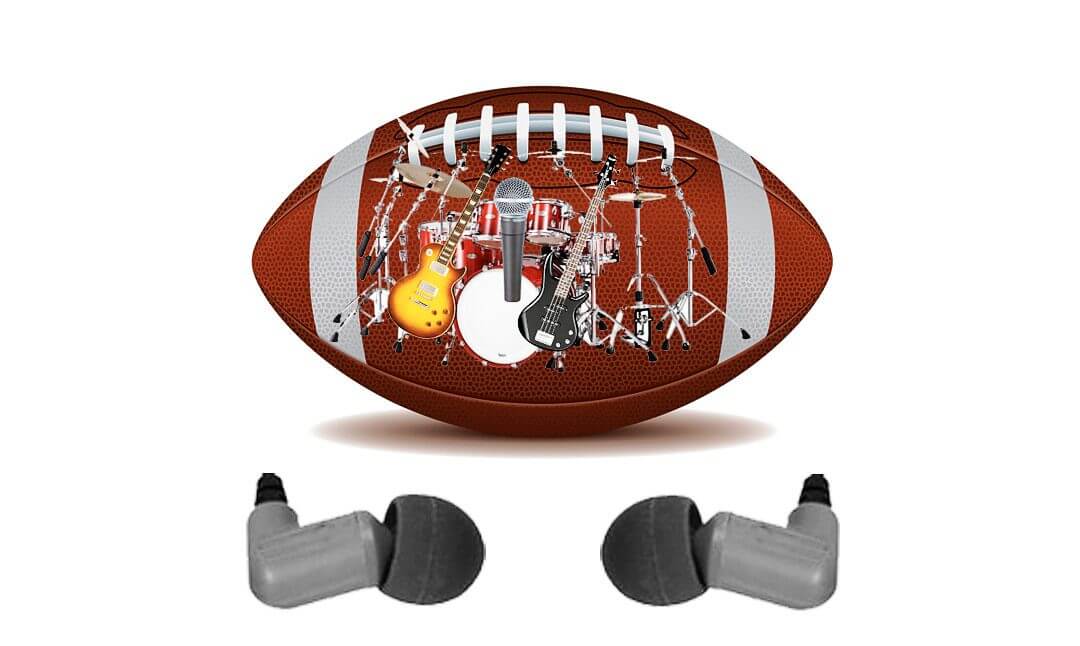
For direct channels (e.g. a vocal or guitar mic) a very efficient solution is to use a combination of panning with a stereo effect processors on board the personal monitor mixer. It is very important to have effect sends individually per channel and the signal is fed post pan, to obtain the right spatial information. Using the pan on the individual channels, results in a level difference between both ears. Then adding more or less “reverb” or “room” from the stereo effects processor puts the instrument or voice deeper or less deep into the room. If a bass player wants to keep bass and kick drum center, keeping the bass “dry” and adding some effects to the kick drum “ moves it acoustically away” and gives the kick drum its own spatial position, resulting in a clear differentiation between bass and kick drum without changing any level.

What about EQs?

A left over from the old days of mono wedges mixed on auxes: the more EQ power per channel the better: 4-band fully parametric and up. Like it or not, but EQ’s are mainly band aids. There are some creative applications, but most of the time they are used trying to fix a problem that results from somewhere else. In case of a mono wedge it is obvious: a single speaker does not allow giving any spatial differentiation, as it is only one source. So many times, EQs were used to cut out certain frequency bands from one instrument to allow some room for another; not to mention the fights against feedback.

Using IEMs, the feedback problem is gone: effects can and should be used. A well dialed in 3D mix provides the brain distinct position for each voice and instrument, so when the keyboard is changing from a piano sound to fat strings, it doesn’t cover up the guitar. They both are heard in different positions and as such, automatically kept discrete. A nice side-effect: in addition to a clear natural sound image, with a well set-up 3D mix the amount of re-dialing is dramatically reduced.

How about ambient microphones?

Especially when musicians start using IEMs, they start complaining about the isolation and ask for ambient mics because that’s what they have heard is a must have with IEMs. It is absolutely important not to mix the role of ambient mics with the creation of a 3D sound. Ambient mics have the job of bringing sound from the background (e.g. audience or a certain room) to the mix. Not more or less than one additional instrument. They do not help create a 3D sound image! For an ambient mic to do its job, it needs to be the right mic in the right position- in most cases this is not a boundary or omni-directional mic inside the mixer. Also keep in mind that in order to hear the audience, you need a certain level on that mic- which when the band is playing louder, can completely sabotage the IEM mix. So in many cases ambient mics need to be “driven” by the engineer as the musicians don’t have free hands to blend them in and out when needed.

Summary

Using a 3D sound for IEMs is not a luxury but a must! The worst thing that can happen is a mono signal that feeds both ears the same signal. This is very hard to hear, very fatiguing and doesn’t allow any proper differentiation, with a result of permanent redialing and still never having a good sound. It’s the best way to make somebody hate IEMs.

Utilizing the brain’s internal localization by offering a 3D mix is changing the game. Listening is easy and nice for hours, sound sources are heard very distinct and the amount of re-dialing is greatly reduced. Musicians and singers will feel easy and get in the flow – no matter how good they play; they will have fun and perform at their best – a win-win for everyone!

Our latest testimonials

Jeff Lorber & Band

Jeff Lorber & Band

The Grammy Award Winning keyboardist, composer and record producer is using myMix in his awesome studio and live on tour. Check out his testimonial.

read more